
265K+ spots worldwide · Free
Find rockhounding spots near you
RockHoundR maps 265,000+ collecting sites worldwide, with public land overlays, geologic units, and live weather for every spot. Identify rocks from a photo and log every find.


Free on iOS and Android. You can also explore the map in your browser, browse spots by state, or identify a rock from a photo.
265K+
spots worldwide
Live
land-access overlays
6,200+
rocks in the library
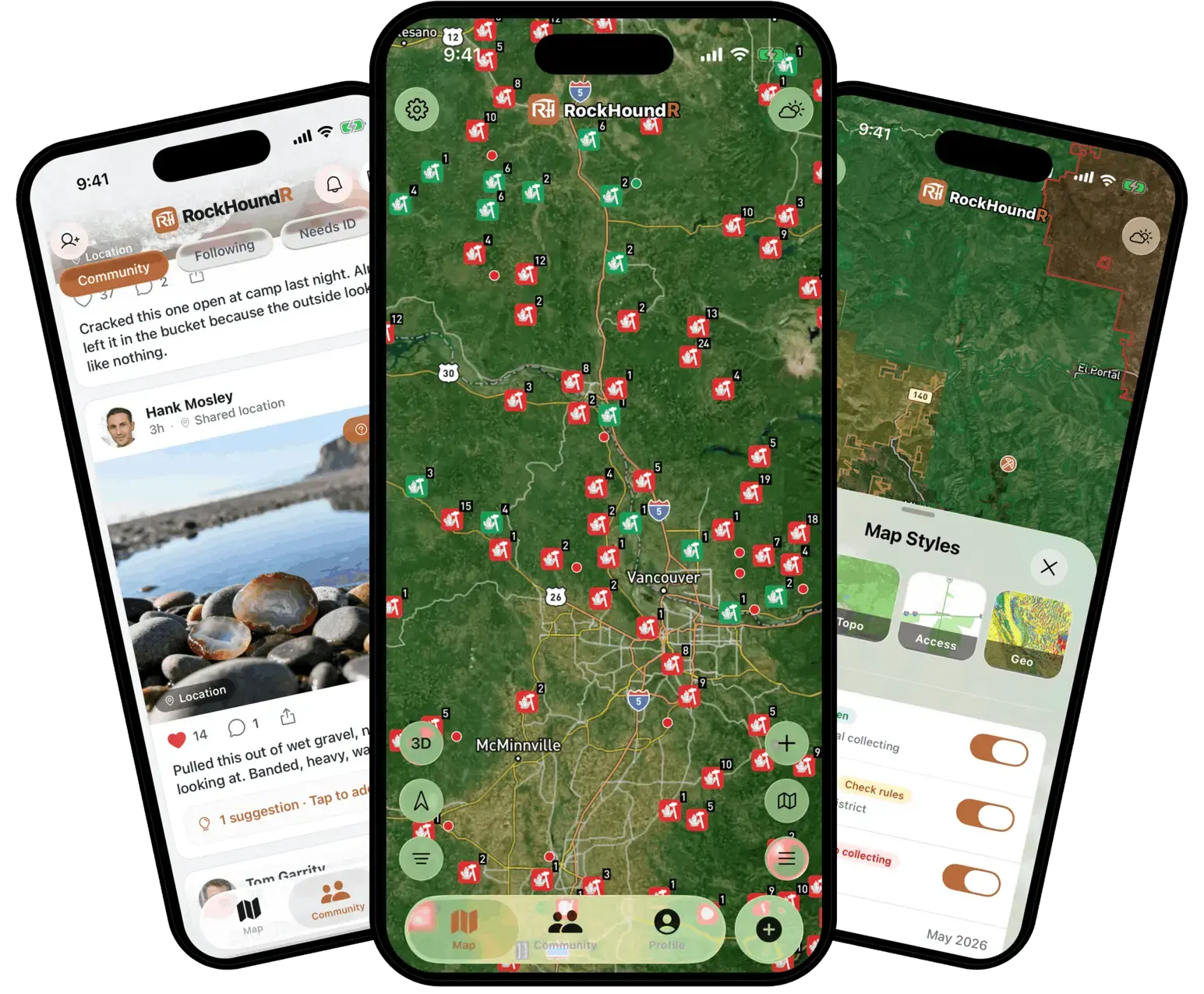
265K+
spots worldwide
Land status
BLM · National Forest · Parks
The Field Kit
A field map built for rockhounds
Everything you check before a trip and everything you keep after one: spots, land status, geology, weather, trails, and your finds.
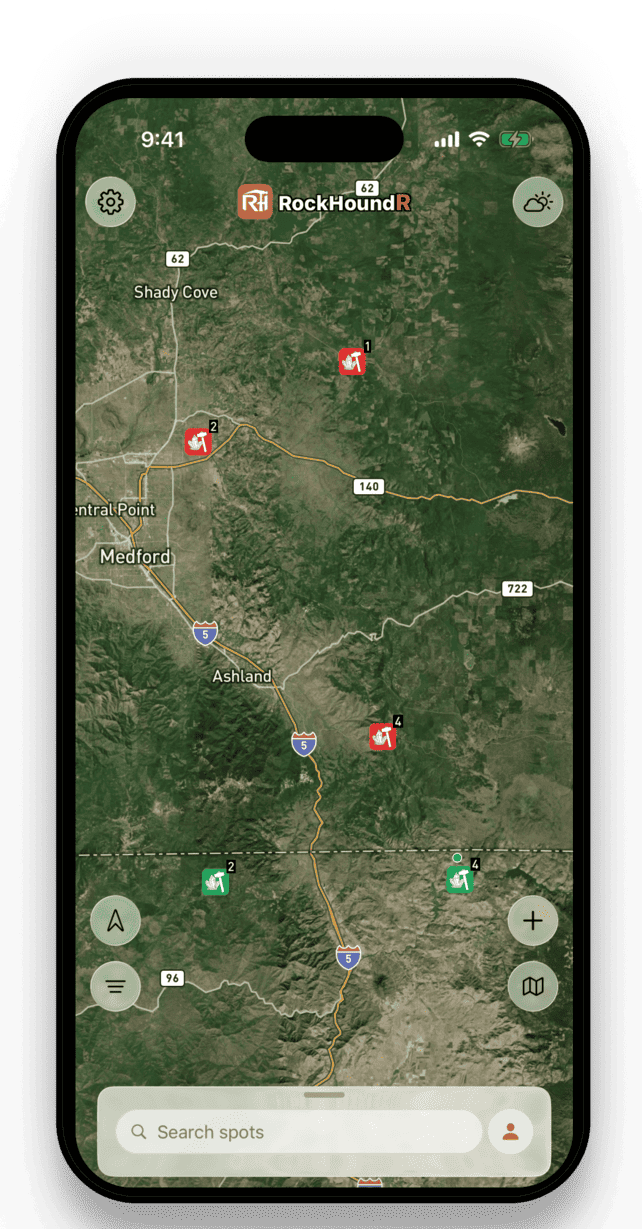
Discover rockhounding spots near you
Move the map to see rockhounding spots around you and filter by popular materials like agate, jasper, quartz, geodes, petrified wood, obsidian, opal, and garnet.
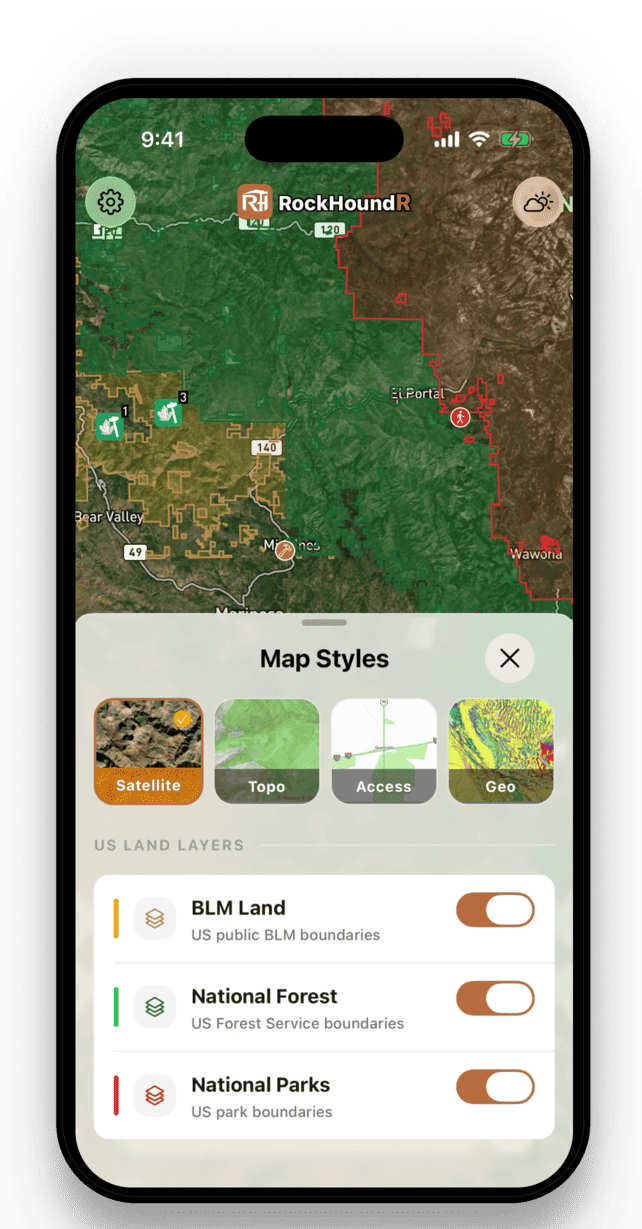
Know where you can go
Toggle land overlays for BLM, National Forest, National Park, Tribal, and other federal areas so you can see where extra rule checks matter before you drive out.
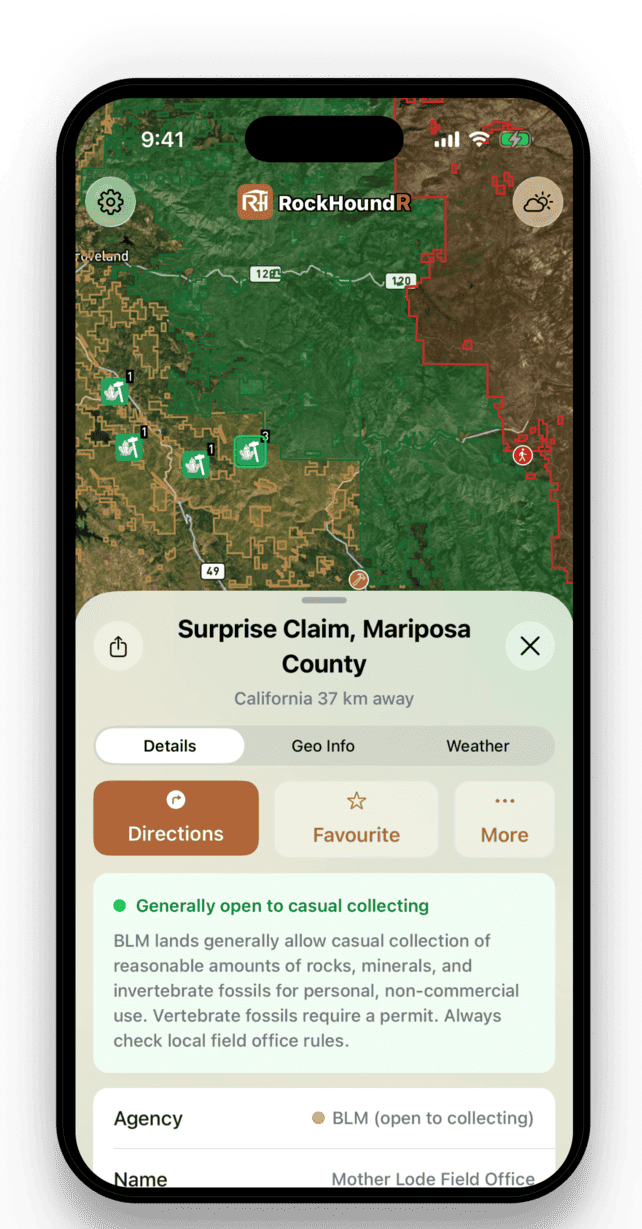
See every spot in detail
Tap a spot for geologic units, lithology, age ranges, current weather, recent rain, hourly forecasts, and a daily rockhounding score.
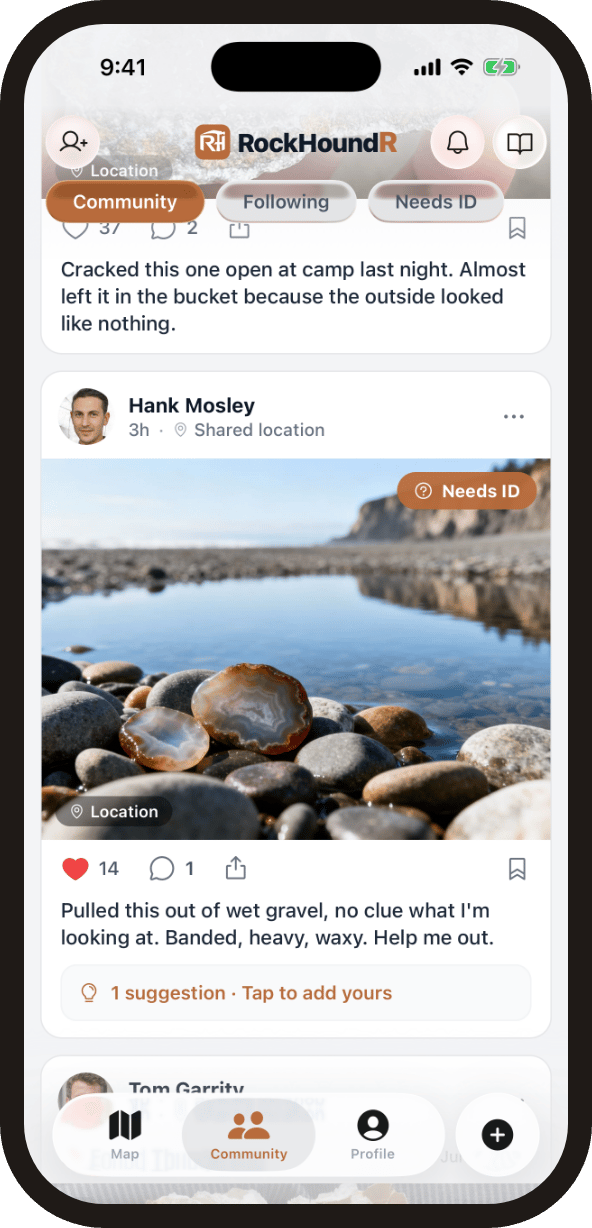
Share finds with the community
Post your finds to a feed of real rockhounds, follow people whose finds you want to keep up with, and get help naming mystery rocks with community ID suggestions. You control location privacy on every shared find: exact point, general area, or hidden.
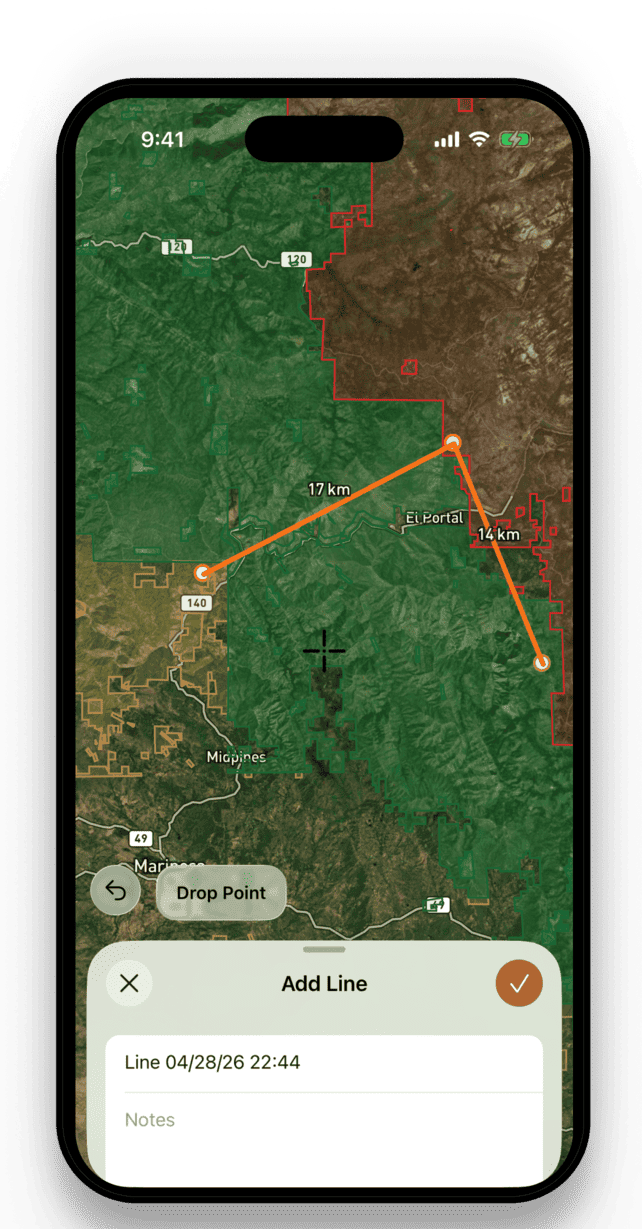
Draw your hunting trails
Sketch trails and distance lines on the map to plan routes, measure walk-ins, and lay out the ground you want to cover before you head out.
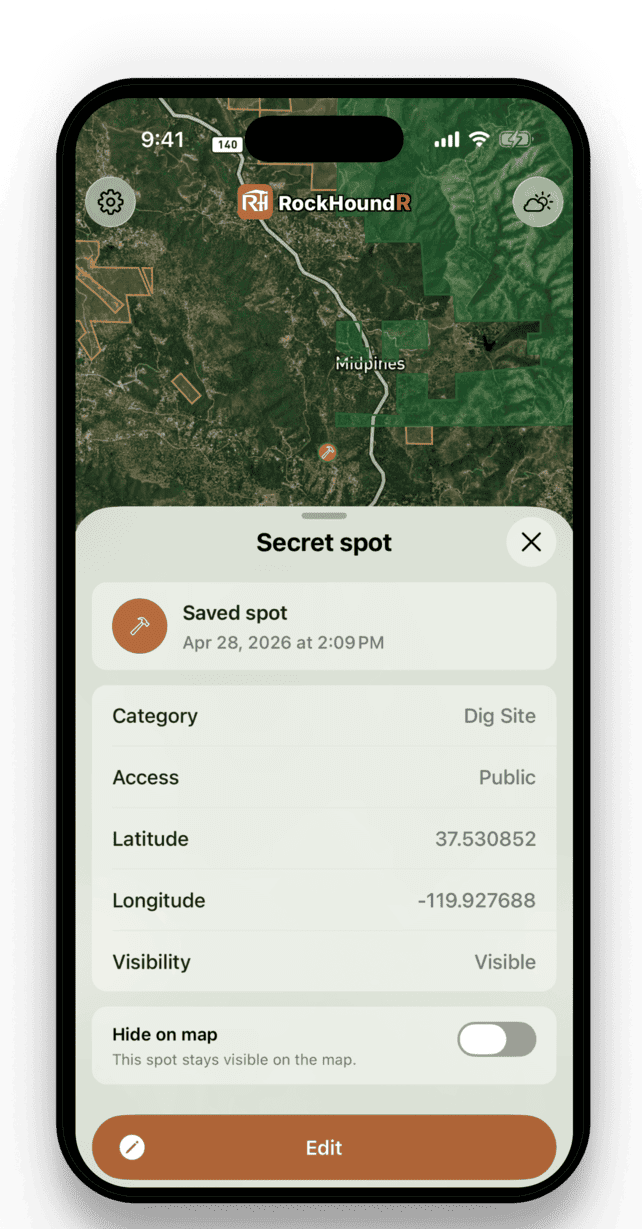
Log your rockhounding finds
Save private spots, log finds with notes and photos, favorite public locations, and keep your own map of places worth coming back to.
How It Works
Go from map search to field plan
Good rockhounding starts before you leave the driveway. Use the map to narrow the area, then check the details that decide whether a spot is worth your time.
- 1
Search an area
Move the map, search nearby spots, and filter by rocks like agate, jasper, quartz, petrified wood, obsidian, and more.
- 2
Check the ground
Review land status, collecting guidance, geology, weather, nearby amenities, and directions before you drive out.
- 3
Build your field map
Save spots, favorite public locations, mark private finds, draw distance lines, and hide or show layers as your plans change.
- 4
Log and share your finds
Photograph what you bring home, log it to your collection, and share it with the community at the location precision you choose.
Map Preview
Before you head out
- Use land status as a starting point, then verify local rules before collecting.
- Check recent rain, road access, and nearby fuel or parking before remote trips.
- Keep sensitive personal finds private and save notes while the details are fresh.
Rock Identifier
Identify any rock from a photo
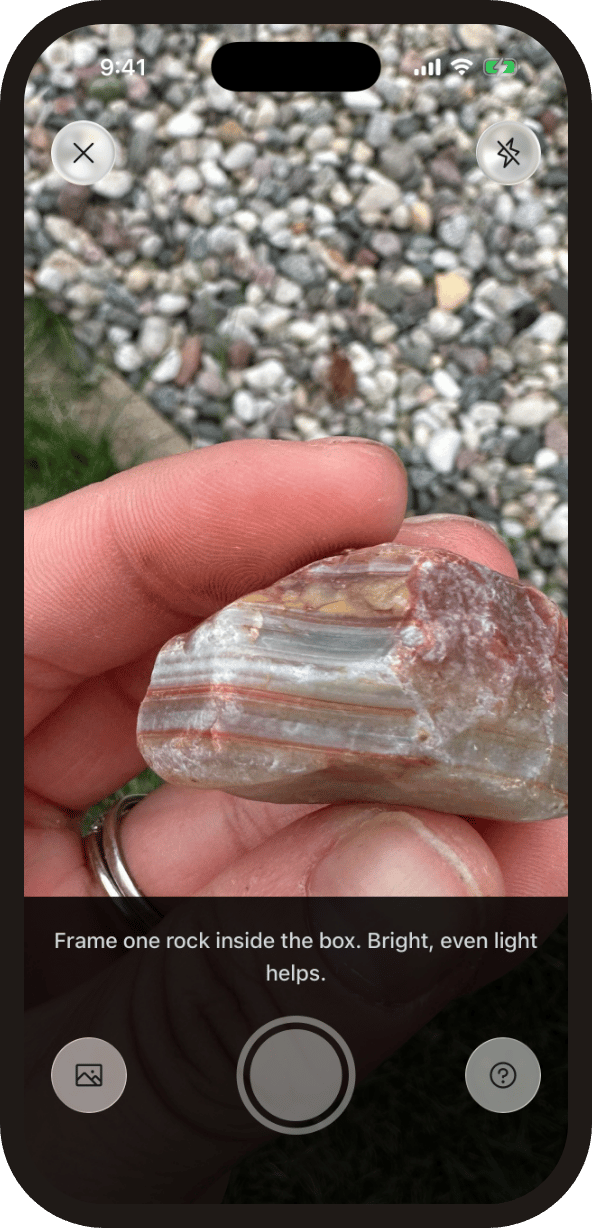
Snap a photo in the field and get ranked matches with hardness, streak, luster, and the field test that settles it. Built into the app, and free on the web with no sign-up.
Every result links to the rock encyclopedia: 6,200+ rocks and minerals with verified properties and real photos.
Curated Spots
Standout rockhounding spots
A short list of hand-picked spots from our U.S. map, chosen for unusual mineralogy or documented public access. Each card opens coordinates, access notes, and the field guide.
 Top pick
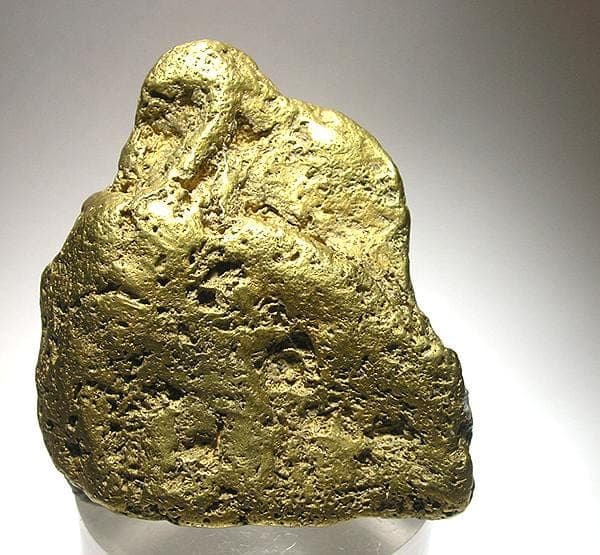
San Domingo Wash
PublicMaricopa County, Arizona
San Domingo Wash is a documented Au-Pt placer district in the western foothills of the Wickenburg Mountains, with Mindat and USGS-derived records tying the gold to stream-placer concentration. It stands out for Phoenix-area collectors because the target is a named historic placer system, not scattered speculative gold ground.
Gold
 Top pick
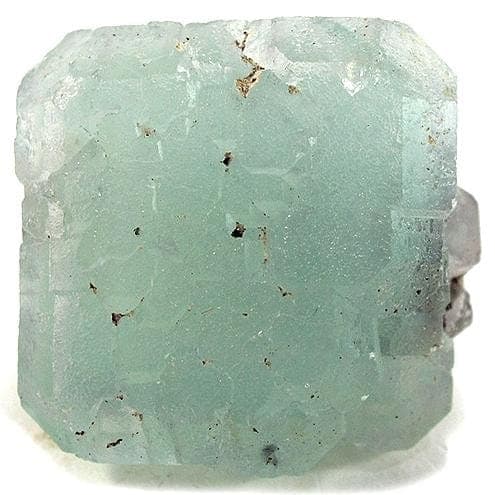
Neptune Mine near Grays Spring
PublicPima County, Arizona
Neptune Mine is a focused Arizona fluorite locality, with Mindat and MRDS records describing a former fluorspar mine where fluorite occurs in lenses and stringers along a schist-granite contact zone. The site adds mineral diversity to the Arizona list because it is a documented industrial-mineral occurrence rather than another chalcedony or placer-gold wash.
Fluorite
 Top pick
Red Rover mine
PublicMaricopa County, Arizona
Red Rover is a compact Cave Creek district copper-silver stop, with Mindat listing chalcocite and tetrahedrite-group minerals and Western Mining History tying the mine to copper, silver, and gold. It is notable because those sulfide minerals give the Maricopa County list a real ore-mineral locality, not just agate, jasper, and quartz float.
Chalcocite, Tetrahedrite
 Top pick
1 mi. N of old Three-Way drive-in theater
PublicGreenlee County, Arizona
Black Hills is one of Arizona's clearest public fire-agate localities, with BLM stating that fire agate is the principal attraction and that the site is open for public digging without fees or permits. The locality stands out because the collecting target is specific, chalcedony with opal-like color play in volcanic deposits, and the land manager publishes both access and collecting context.
Fire Agate, Chalcedony
 Top pick
York Area
PublicGreenlee County, Arizona
Fire agate is the reason the York and Duncan country earns the first Arizona slot: BLM identifies the nearby Round Mountain area as a public rockhounding destination, and its Arizona brochure lists fire agate as a notable Safford Field Office gemstone. The broader York area adds banded agate, carnelian, and jasper, so the site represents southeastern Arizona's volcanic chalcedony ground rather than a single-mine specimen stop.
Fire Agate, Banded Agate, Carnelian, Jasper
 Top pick
Kingman Feldspar Mine
PublicMohave County, Arizona
Kingman Feldspar Mine represents northwestern Arizona pegmatite collecting, with documented feldspar-quartz workings and rare-earth allanite from the Kingman area. It rounds out the top 10 because the mineral suite, microcline, quartz, and allanite, is geologically different from Arizona's better-known fire agate, turquoise, and placer-gold localities.
Allanite, Microcline, Quartz
The Library
Explore rockhounding spots and minerals
2,800+ mapped spots across 48 states.
Popular states
Want the full reference? Browse the rock encyclopedia (6,200+ rocks and minerals) or read the rockhounding guides on land rules, state gemstones, and field technique.
Field Tests
Tell two look-alikes apart
Agate or jasper? Real gold or pyrite? Our side-by-side guides show the one fast field test that settles each pair, backed by real photos and verified properties.
Questions
Frequently asked questions
Straight answers before you download.
What can I find with RockHoundR?+
Does RockHoundR show public land for rockhounding?+
Can I see geology for a location?+
Can I save my own rockhounding spots?+
Does RockHoundR identify rocks from photos?+
Can I share my finds with other rockhounds?+
Does RockHoundR help plan around weather?+
Is RockHoundR free?+
Get the app
Plan your next rockhounding trip
Download RockHoundR free on iOS and Android, and keep every spot, find, and field note in one place.
Or explore the map in your browser first.